Getting started
Your first month,
step by step.
It starts with a free demo. You link your accounts, check your categories, then open your first spending report.
Book a demoYour first month
From day one
to the first report.
Here is what actually happens on day one, in week one, and at the end of the first month.
-
01
Day 1
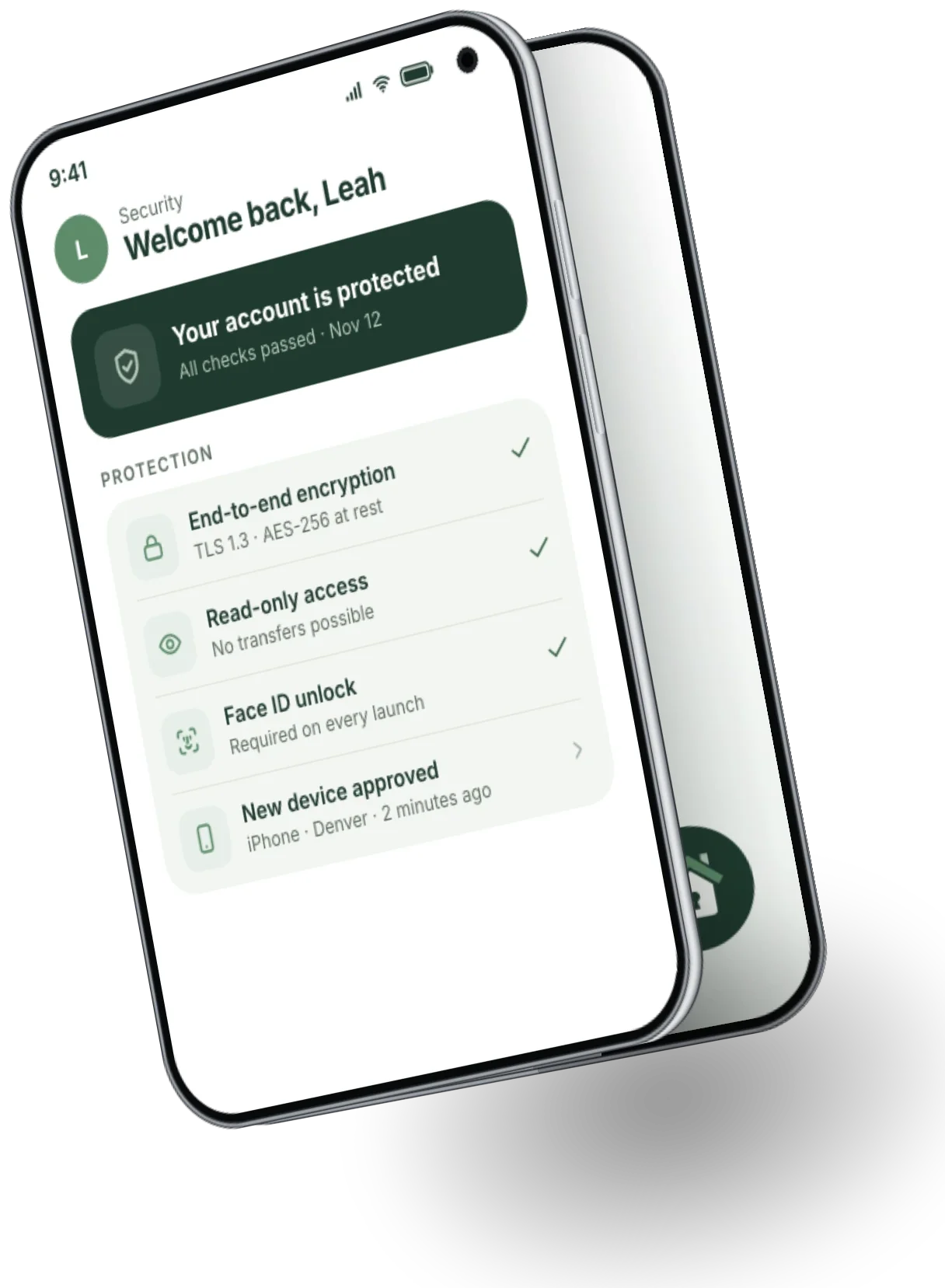
Book the demo and link your accounts
You book the demo with your email, link your first bank account, and check the categories we suggest.
- One account linked and visible
- Spending already categorized
- Balance updated right away
-
02
Week 1
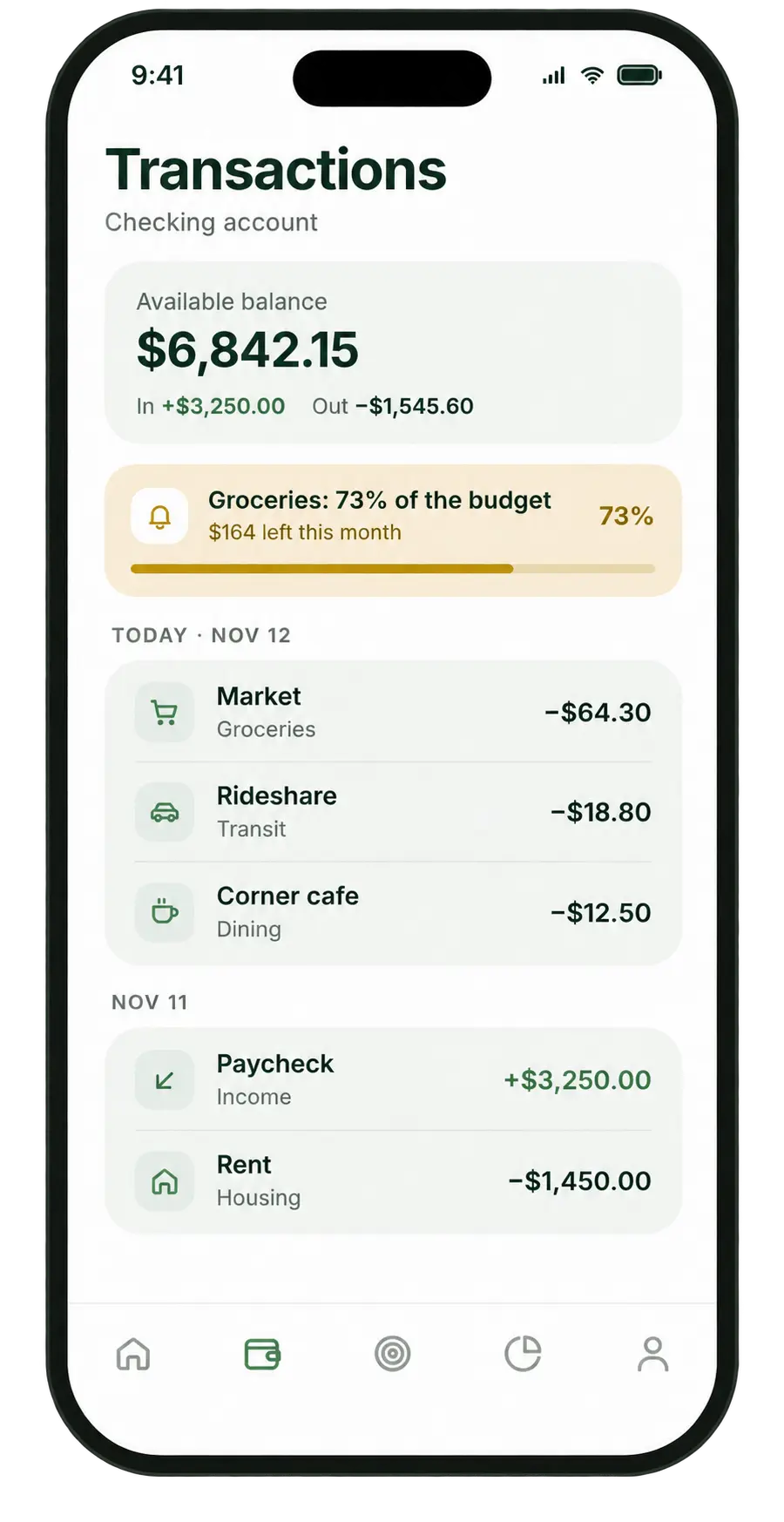
Adjust categories and set your first budgets
You link your other checking accounts, fix a few miscategorized transactions, and set a first spending cap.
- All of your accounts in one place
- A first spending cap in place
- An alert before you go over
-
03
Month 1
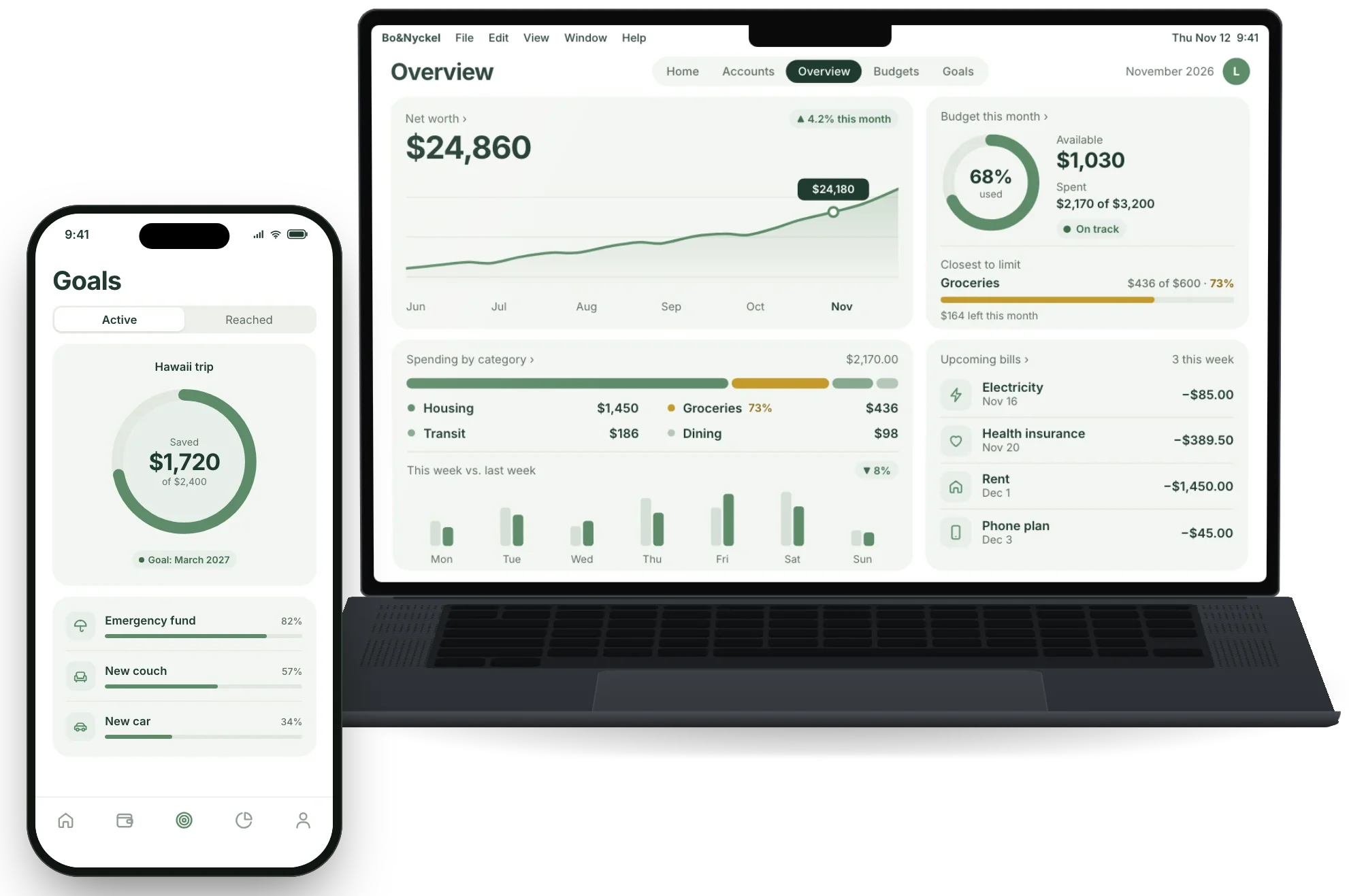
Read your first full report
You read last month’s report, adjust your caps to match real spending, and invite someone close to you if you want to.
- A full view of the month
- Caps that match real life
- A weekly review in place
Good habits
Five habits
that make the difference.
A few simple habits to get the most from Bo&Nyckel in the first weeks.
- 01Every day
A quick daily check
Check your balance and latest transactions each morning. It takes less than a minute.
- 02Every month
Realistic budgets
Set caps close to what you actually spent in recent months, rather than targets that are too tight.
- 03Every month
Read the monthly report
Take five minutes at the end of the month to compare categories and adjust what no longer fits.
- 04Once
Useful alerts
Turn on budget alerts so you can react before the month ends, not after.
- 05If needed
Share with someone close to you
Invite your partner or someone close to you if you share accounts, so you both see the same picture.
Ready to organize your money
-
No commitment
Free to start
Support available